Video Conferencing NY

sauravkhulalmarketing@gmail.com

Future proof cabling

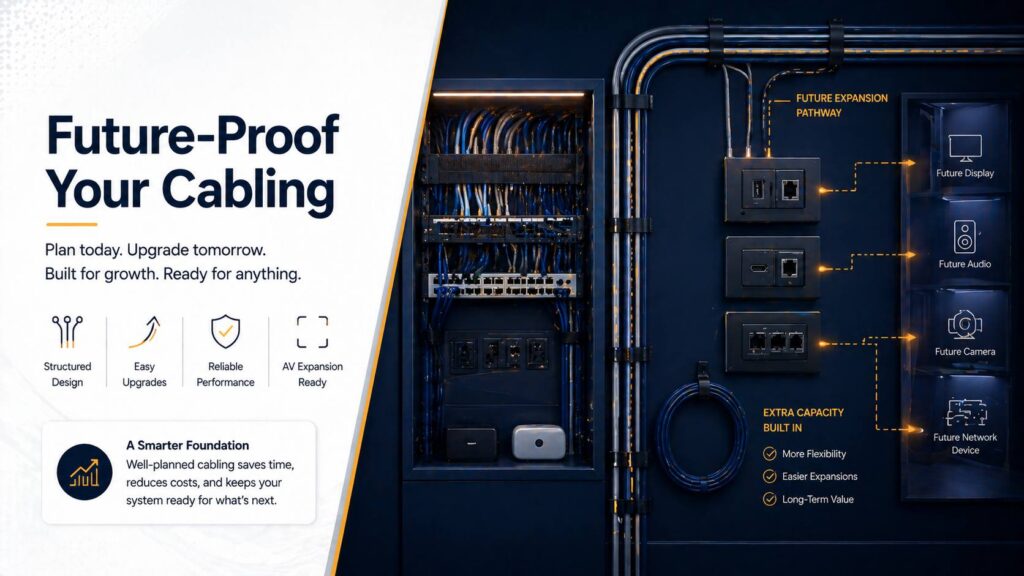
How to Future-Proof Your Cabling for Upgrades and AV Expansions

You wire a conference room perfectly for today’s needs. HDMI to the display, Cat6 for network, a few power outlets. Two years later you need to add cameras, upgrade to 4K, add wireless presentation. Now you’re stuck running surface-mount raceways or tearing open walls because you didn’t plan ahead. Here’s the reality: AV technology evolves […]

How to Future-Proof Your Cabling for Upgrades and AV Expansions Read More »
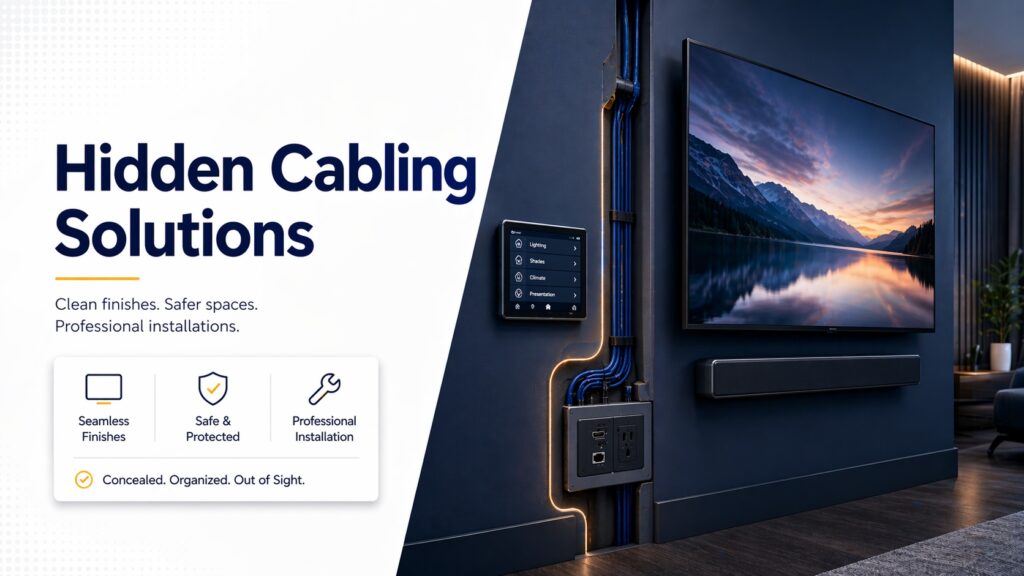
Hidden Cabling Solutions

Hidden Cabling Solutions for Wall-Mounted Displays and Touch Panels

You mount a beautiful display on the wall. The picture quality is perfect. The size is right. Then you step back and see cables dangling down to the floor like vines. It looks terrible. Here’s the thing: professional installations hide cables. Period. Exposed cables ruin aesthetics, create trip hazards, and make even expensive equipment look

Hidden Cabling Solutions for Wall-Mounted Displays and Touch Panels Read More »

PoE switches and QoS

PoE, Network Switches & QoS: Ensuring Low-Latency Video Conferencing

Your conference room has great cameras and microphones. The displays are perfect. But video calls still lag, freeze, or drop randomly. Audio cuts in and out. Participants complain about echo and delays. Here’s what most people miss: the network infrastructure powering your video conferencing equipment matters as much as the equipment itself. You can have

PoE, Network Switches & QoS: Ensuring Low-Latency Video Conferencing Read More »

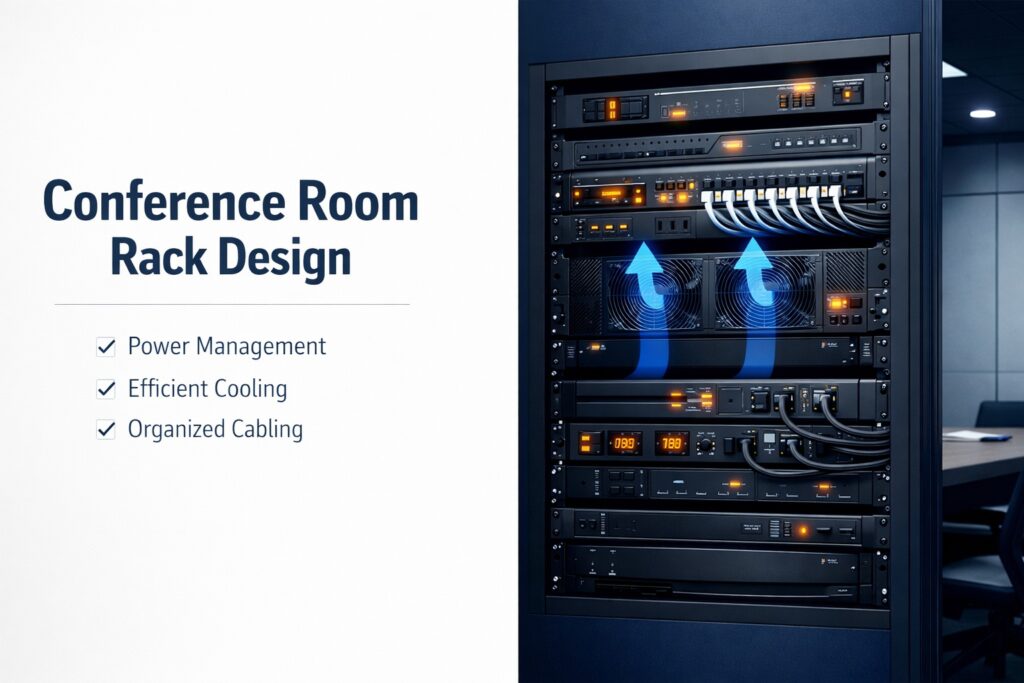
Conference Room Rack Design

Rack Design for Conference Rooms: Powering, Cooling and Labeling

You’ve spec’d out a great conference room. Quality cameras, microphones, video codec, displays—everything arrives and gets racked. Then problems start. Equipment overheats. Power strips are maxed out. Nobody knows which cable goes where. Troubleshooting takes hours because nothing’s labeled. Here’s what people don’t realize until they’ve built a few conference rooms: the equipment rack is

Rack Design for Conference Rooms: Powering, Cooling and Labeling Read More »

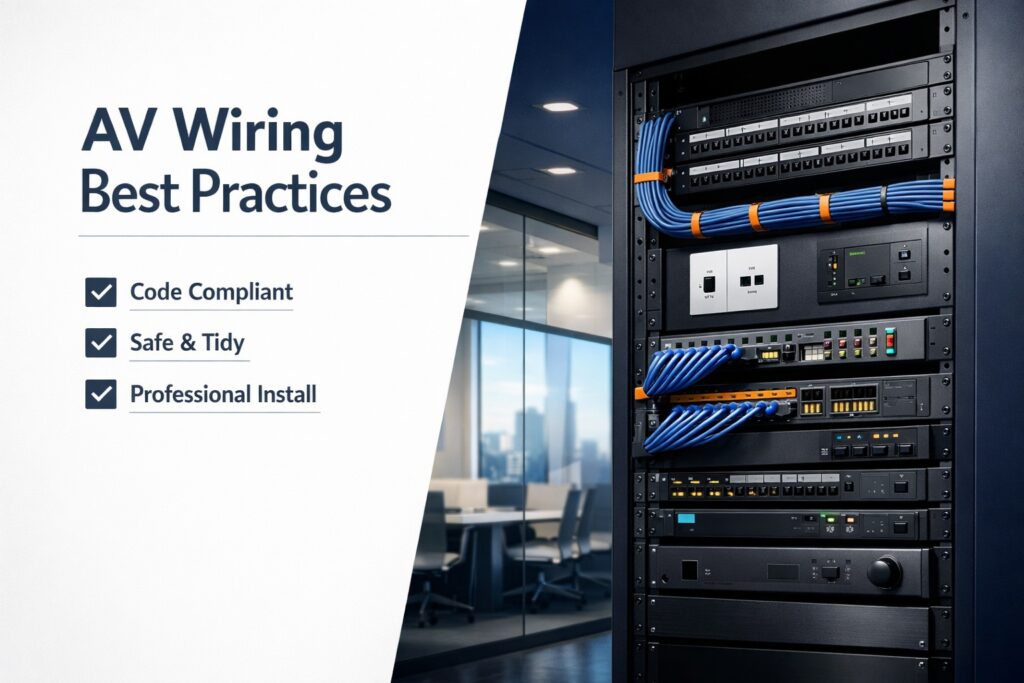
AV Wiring Best Practices

AV Wiring Best Practices for New York Office Builds (Code, Safety, Neatness)

You’re building out a Manhattan office. Conference rooms need video conferencing. Open areas need AV for presentations. Every space needs network connectivity. You hire an AV installer and they start running cables. Here’s what you might not realize: New York City has some of the strictest building codes in the country. The AV wiring that’s

AV Wiring Best Practices for New York Office Builds (Code, Safety, Neatness) Read More »

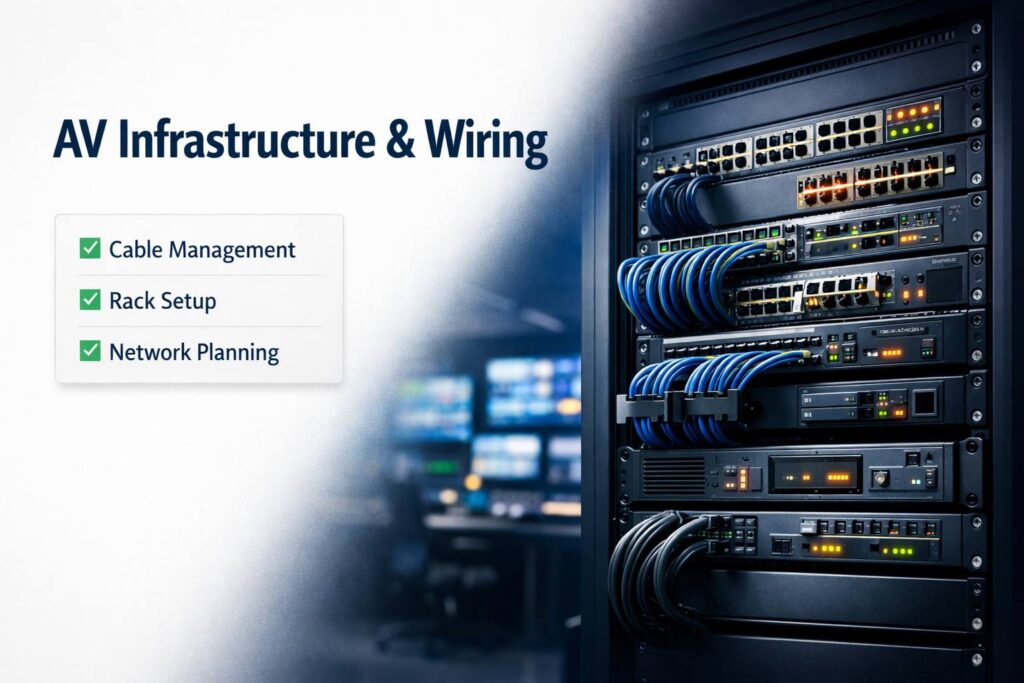
AV Infrastructure & Wiring

AV Infrastructure & Wiring — Cable Management, Racks & Networks

You’ve spec’d out the perfect conference room. Great cameras, premium microphones, quality displays. Everything arrives, gets installed, and… it looks terrible. Cables everywhere. Equipment scattered across the table. Network connectivity is flaky. Here’s what most people don’t realize until it’s too late: infrastructure is the foundation of any AV system. You can have the best

AV Infrastructure & Wiring — Cable Management, Racks & Networks Read More »

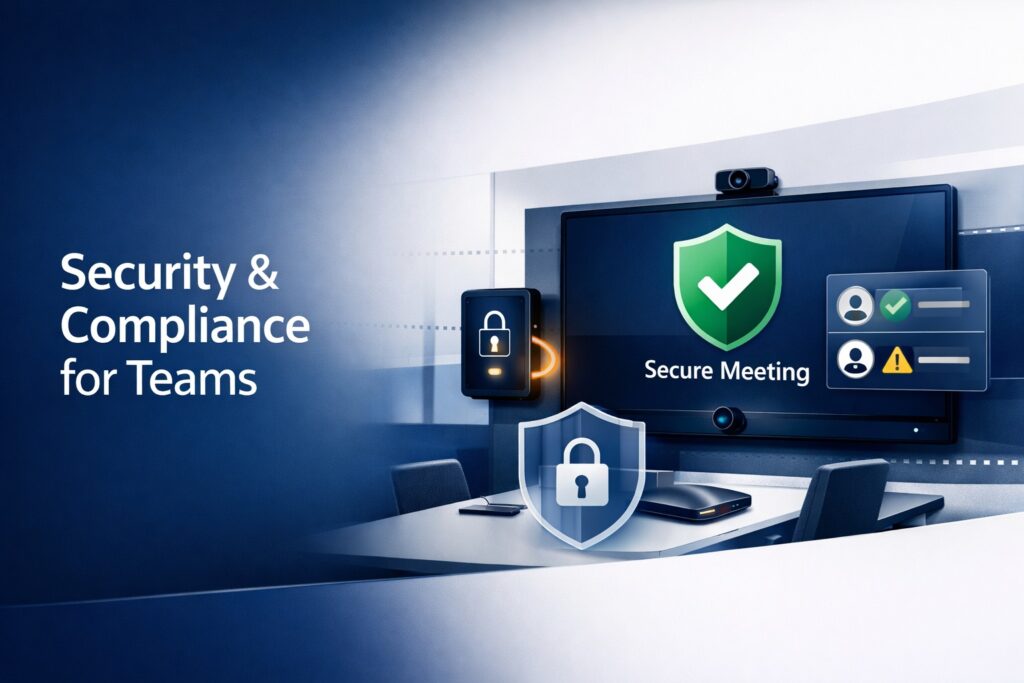
Security And Compliance

Security & Compliance: Lock Down Your Teams Meeting Room

Let’s be honest — most people set up a Microsoft Teams room, make sure the camera works, and move on. Security settings? Compliance policies? Those feel like IT department problems, not something you think about when you’re just trying to run a meeting. But here’s the thing: if you’re using Teams for anything sensitive —

Security & Compliance: Lock Down Your Teams Meeting Room Read More »

Migrate to certified Teams Rooms

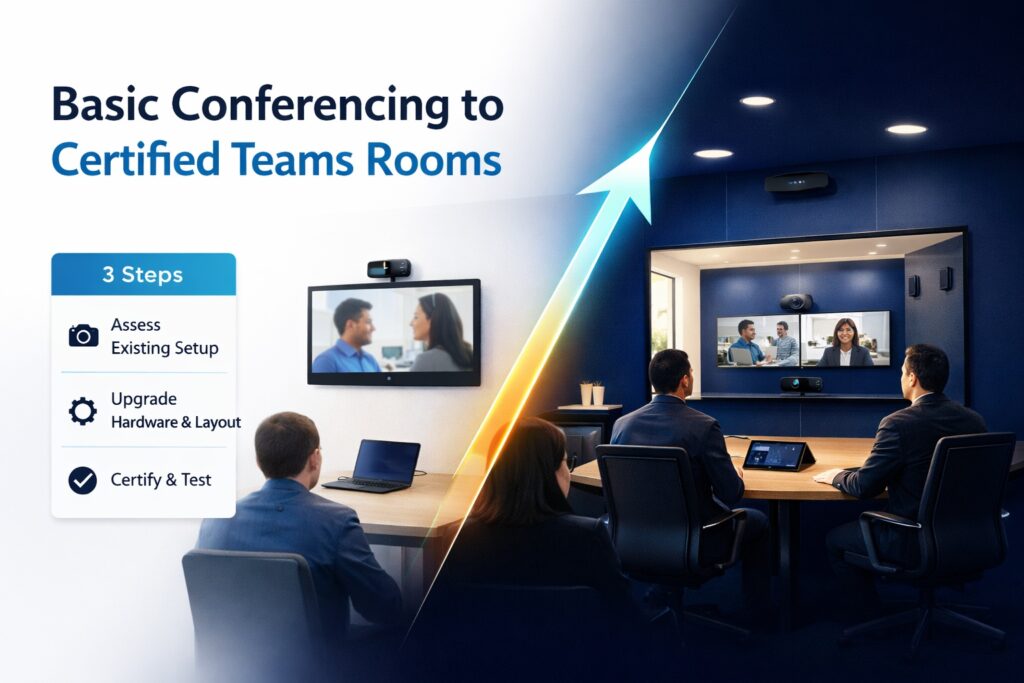
Migrating from Basic Conferencing to Certified Teams Rooms (Step-by-Step)

You’ve been making do with people huddling around laptops for Teams meetings. It works, sort of. But it’s janky—one person controls the screen, the microphone picks up whoever’s closest, remote participants can’t see half the room, and nobody can figure out screen sharing. You’re ready to upgrade to proper Microsoft Teams Rooms. Smart move. But

Migrating from Basic Conferencing to Certified Teams Rooms (Step-by-Step) Read More »

Network and bandwidth planning

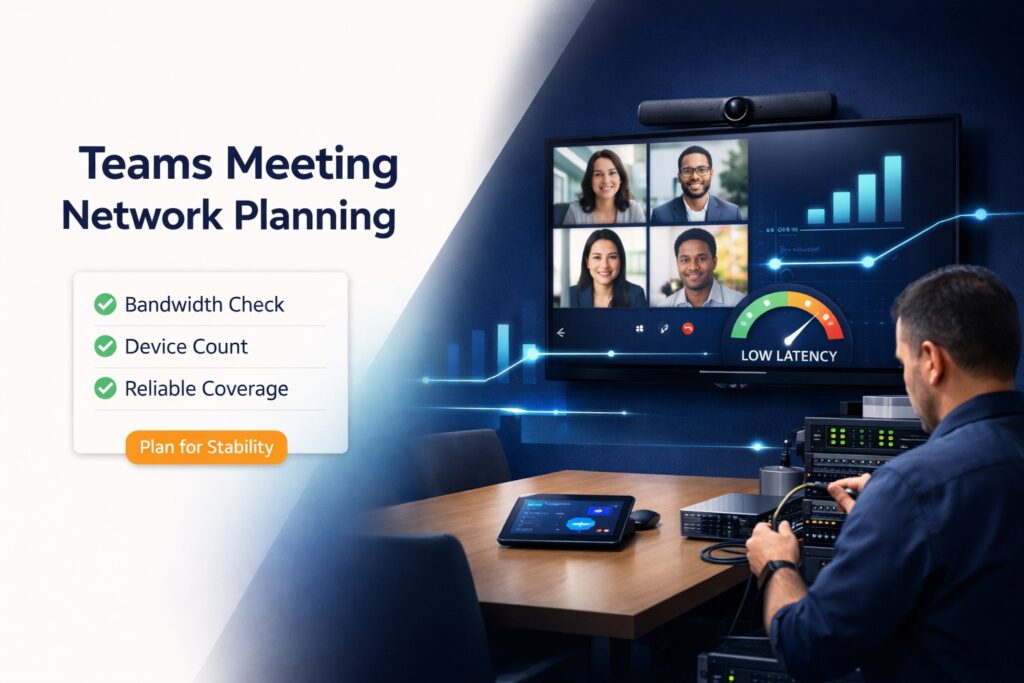
Network & Bandwidth Planning for Reliable Teams Meetings

Your Teams meeting freezes mid-presentation. Again. The CEO is talking but sounds like a robot. Your carefully prepared demo becomes a slideshow of frozen faces. You blame Teams. But here’s the truth: 90% of Teams meeting problems are network problems, not Microsoft problems. I’ve troubleshot hundreds of poor-quality Teams calls. Almost always, the issue is

Network & Bandwidth Planning for Reliable Teams Meetings Read More »

Teams Room Layouts

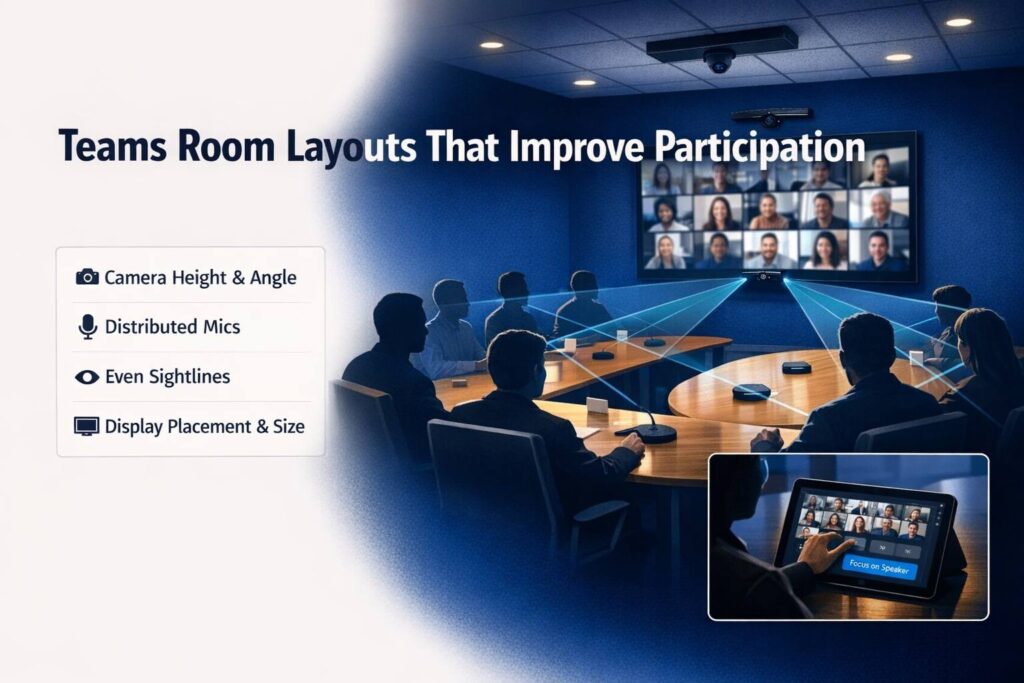
Teams Room Layouts That Improve Participation in Hybrid Meetings

You’ve been in that hybrid meeting. Five people in the conference room, ten people on Teams. The remote folks can barely see anyone in the room, can’t tell who’s speaking, and basically become second-class participants while the in-room people have a normal meeting. That’s not a technology problem. It’s a layout problem. I’ve watched companies

Teams Room Layouts That Improve Participation in Hybrid Meetings Read More »